

Scuba diving video overlays
Add depth, temperature and dive data to your scuba diving videos
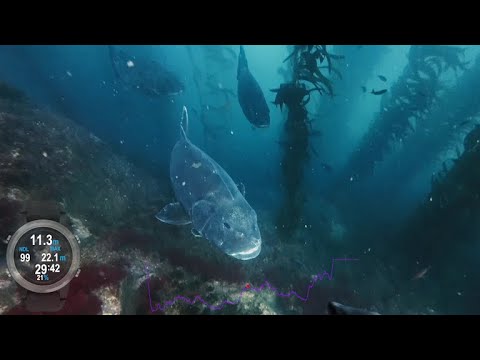
Telemetry Overlay
Finally! An easy all-in-one way to create a heads-up display for your action videos and drone footage. Compatible with multiple camera brands and data formats, including GoPro, DJI (drones and Action 4/5/6/360), Insta360, Garmin, GPX and many more. Merge consecutive videos with GPS data, sync telemetry from multiple sources, customize your gauges and much more.


$299$199
Currency conversion may applyPay once
Use forever
1 Year Updates & Support
Download Telemetry Overlay

Purchase for Windows
Win 10, 11, 12...

Purchase for macOS
Apple Silicon & Intel

Purchase for Linux
DEB & RPM packages
Turn dive logs into animated video overlays
Synchronize underwater footage with embedded camera telemetry or an external dive log, then display the metrics that matter.
Supported scuba diving data sources
Telemetry Overlay supports several direct and converted workflows for underwater data:
- Subsurface CSV: convert logs from dive computers and formats, including Shearwater, Suunto, Divesoft, UDCF, UDDF and DAN DL7.
- Garmin FIT: import FIT files containing diving data.
- DJI Action cameras: models like the Action 5 Pro and newer can record barometer-based depth.
- Apnealizer CSV: includes depth, temperature, heart rate, and time.
- GPX files containing depth and other supported sensor values.
- Custom CSV: adapt any other data source as a basic supported CSV file.
See the complete list in the Telemetry Overlay compatibility page or the instructions manual. If in doubt, get in touch or test your files with the free Telemetry Overlay Trial.
Use any underwater camera
Your video and telemetry do not need to come from the same device. Film with a GoPro, DJI, Insta360 or another camera, import the dive log separately, and synchronize both sources on the timeline.
Easy to use
- Drag-and-drop intuitive interface
- Customize shapes, colors and sizes
- Sync external data to camera time automatically in optimal conditions
- Lots of video tutorials and a helpful community
Use presets or custom templates
Use the pre-built diving preset with Depth, Dive Speed and Thermometer gauges alongside Time, Heart Beat, GPS, charts and other compatible metrics, create your own layout based on other presets, or use a community-built "Pattern".
Gauge availability depends on the streams recorded by your camera, dive computer or logger.
Display technical data
Import additional data fields recorded by dive computers and turn them into text, numeric, chart, dial or other Custom gauges.
These sometimes include cylinder pressures, oxygen and helium percentages, gas mixes, partial pressure of oxygen (pO₂), surface air consumption (SAC), no-decompression limit (NDL), decompression ceiling and time to surface (TTS), among other device-specific values.
Have more questions? Check out the instructions manual, the tutorials, ask the community, experiment with the Trial version, or get in touch.
Examples
See what other users have created
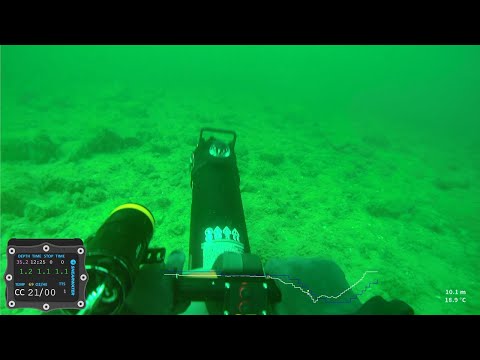
Reproducing the Shearwater layout with Eric Scott
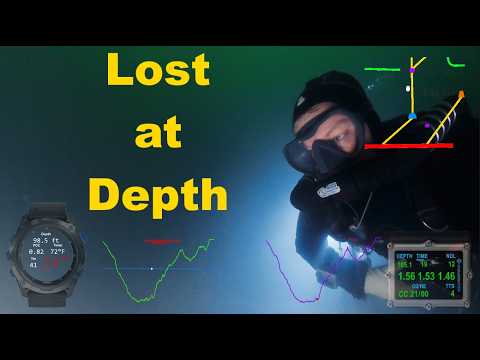
Displaying scuba diving data from multiple devices
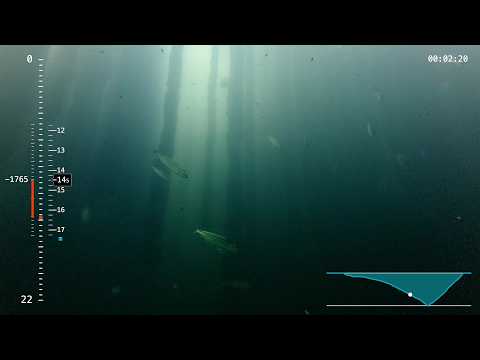
Depth data with DJI Action cameras
User Reviews
Professionals and hobbyists alike are joining the Telemetry club
Tutorials
Learn to use the software
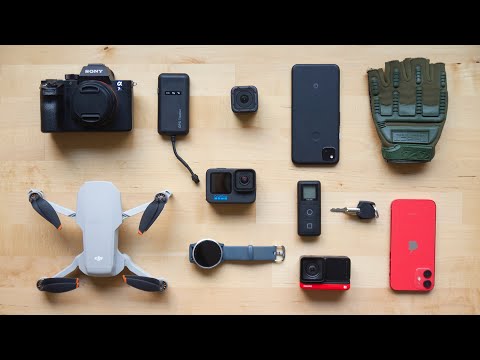
How to use Telemetry Overlay
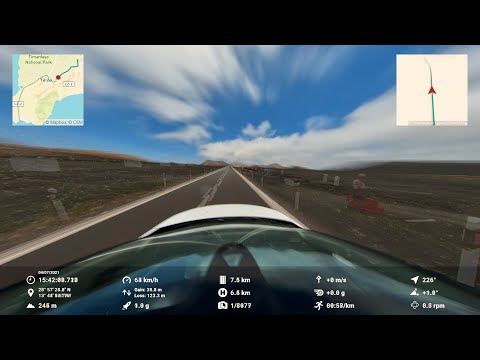
Import external data from loggers and trackers and sync it to your videos
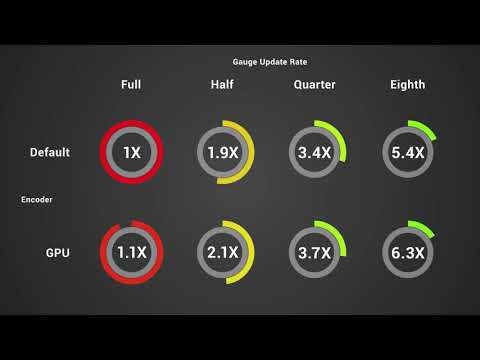
Export options and best practices
Add depth, temperature and dive data to your scuba diving videos
Not ready? Test the Trial version