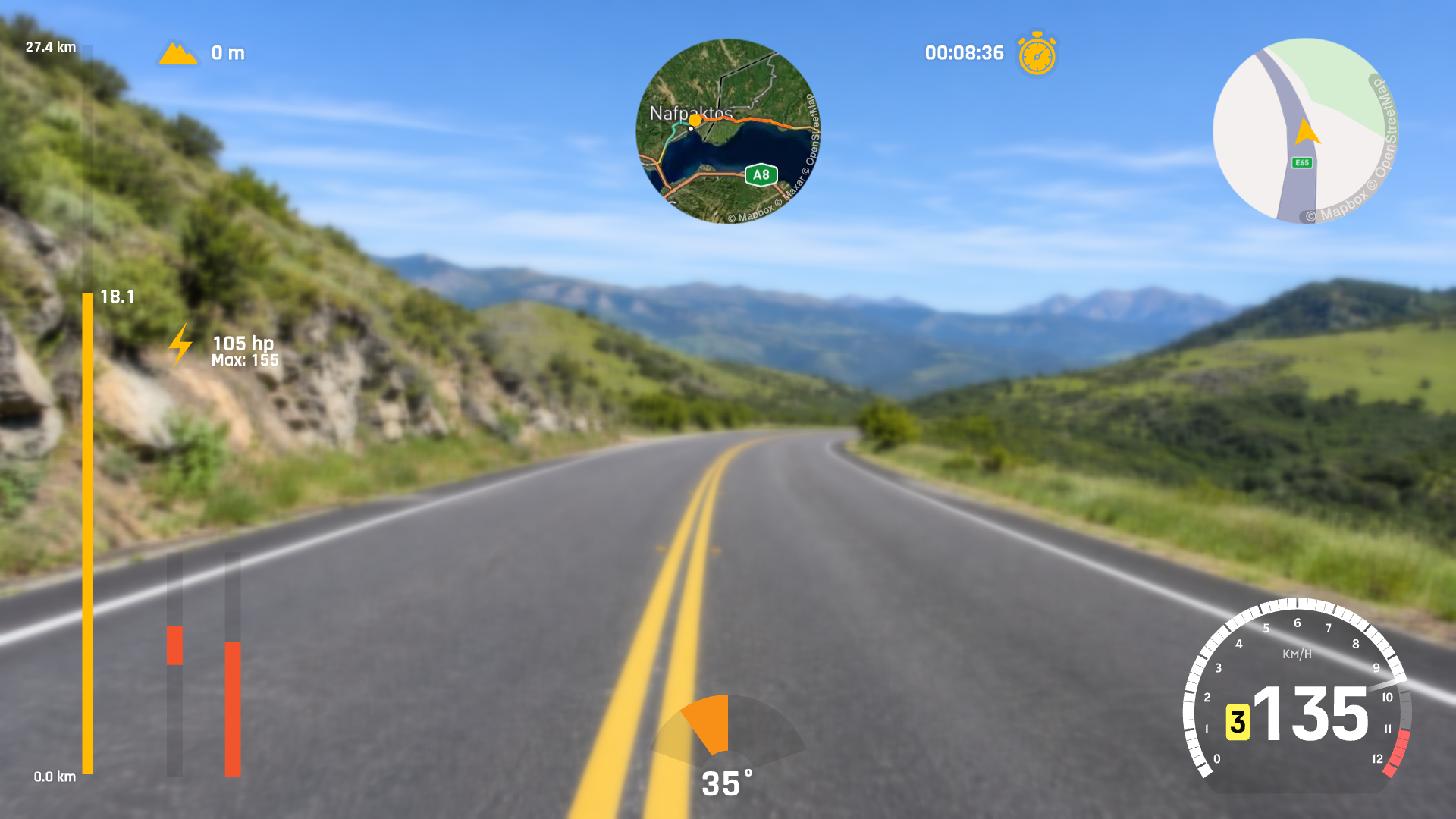
Finished
A complete MP4 with footage, gauges and audio, ready to upload or deliver.
- H.264 for broad compatibility
- HEVC/H.265 for smaller files
- Software or compatible GPU encoding


Export a finished video in 3 clicks, or fine-tune your overlay for a professional post-production workflow.
Export quality selectors for a finished video that is ready to share on social media and broadcast, or transparent-background formats to avoid reencoding the footage.
A complete MP4 with footage, gauges and audio, ready to upload or deliver.
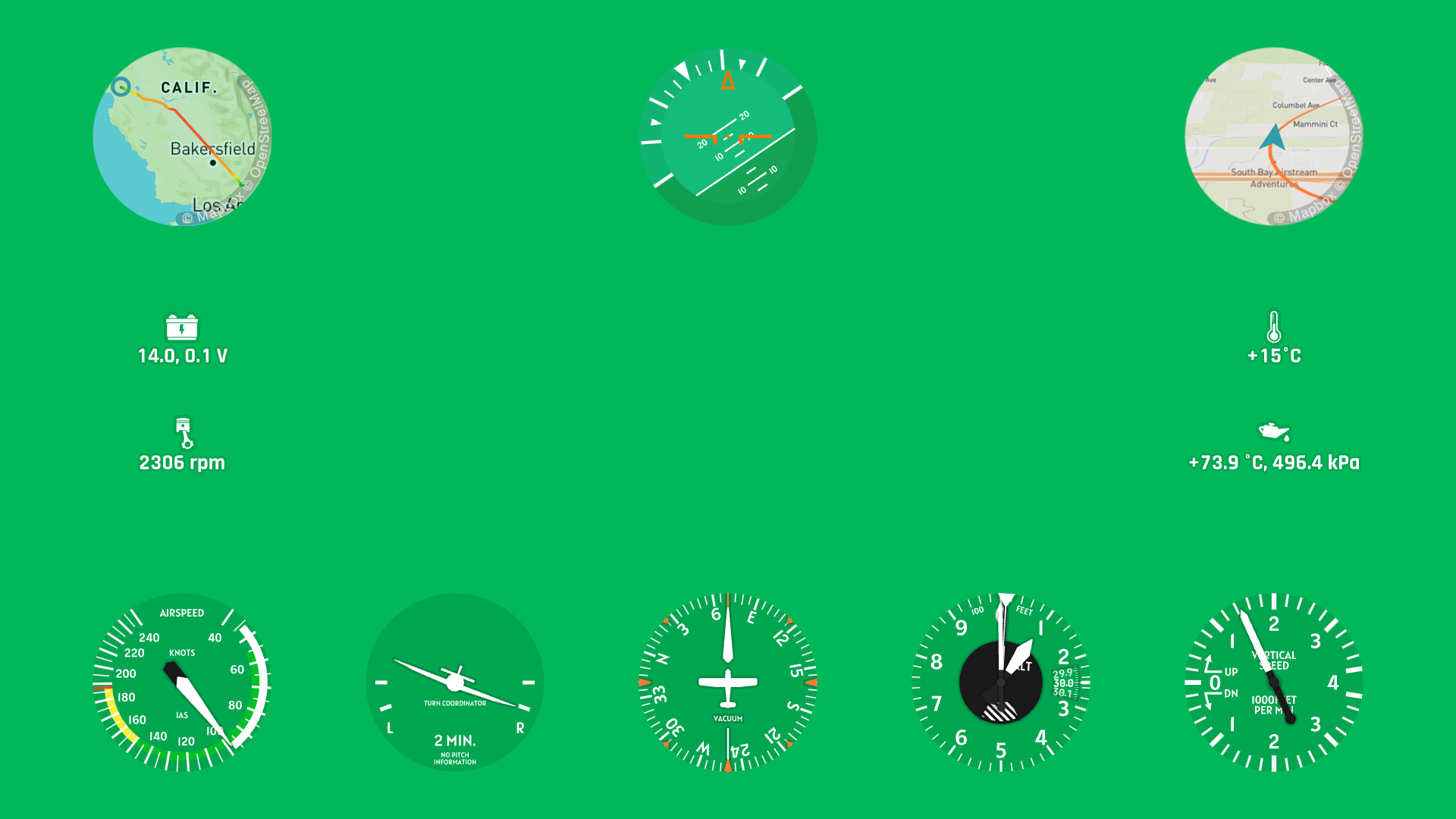
An MP4 over green, blue or a custom color for chroma-key workflows.
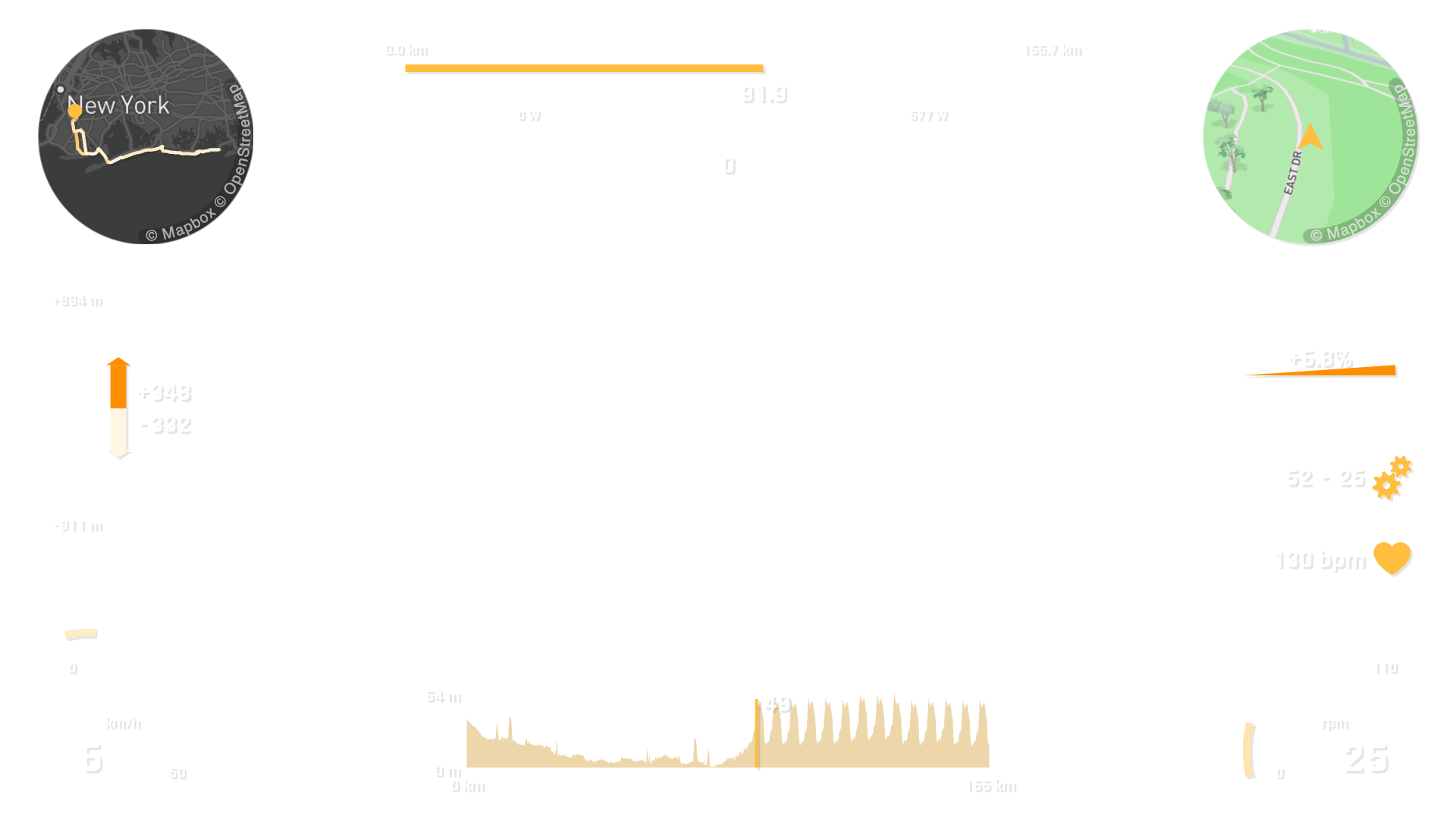
A separate gauges-only layer for post-production and compositing.
While Telemetry Overlay is not a full-featured video editor, it provides essential tools for telling your story.
Set precise In and Out points to export just the useful section of a project, or to limit the rance covered by gauges.
Choose when the complete overlay appears, with independent fade-in and fade-out controls.
Line up multiple projects, reorder them and render everything with a single click while you do something else.
Combine selected snippets or separate projects into one continuous final video that tells your story.
Turn multiple videos and optional data files into ready-to-export projects automatically.
Add music or narration across every queued export while preserving original audio.
For advanced editing, continue in Premiere Pro, DaVinci Resolve, Final Cut Pro or your preferred NLE.
GPU encoders depend on hardware availability and project specifications: GPU, driver, resolution, frame rate and source format. A software encoder always remains available.
| Encoder family | Platforms | Formats |
|---|---|---|
| NVIDIA NVENC / CUDA | Windows and Linux | H.264 and HEVC |
| Apple VideoToolbox | macOS | H.264, HEVC and compatible HEVC alpha |
| Intel Quick Sync | Windows and Linux | H.264 and HEVC |
| AMD AMF | Windows; supported Linux systems¹ | H.264 and HEVC |
| VAAPI | Linux¹ | H.264 and HEVC |
| Software x264 / x265 | Windows, macOS and Linux | Universal CPU fallback |
¹ AMD AMF on Linux and VAAPI require a local/system FFmpeg build compiled with the corresponding encoder support.
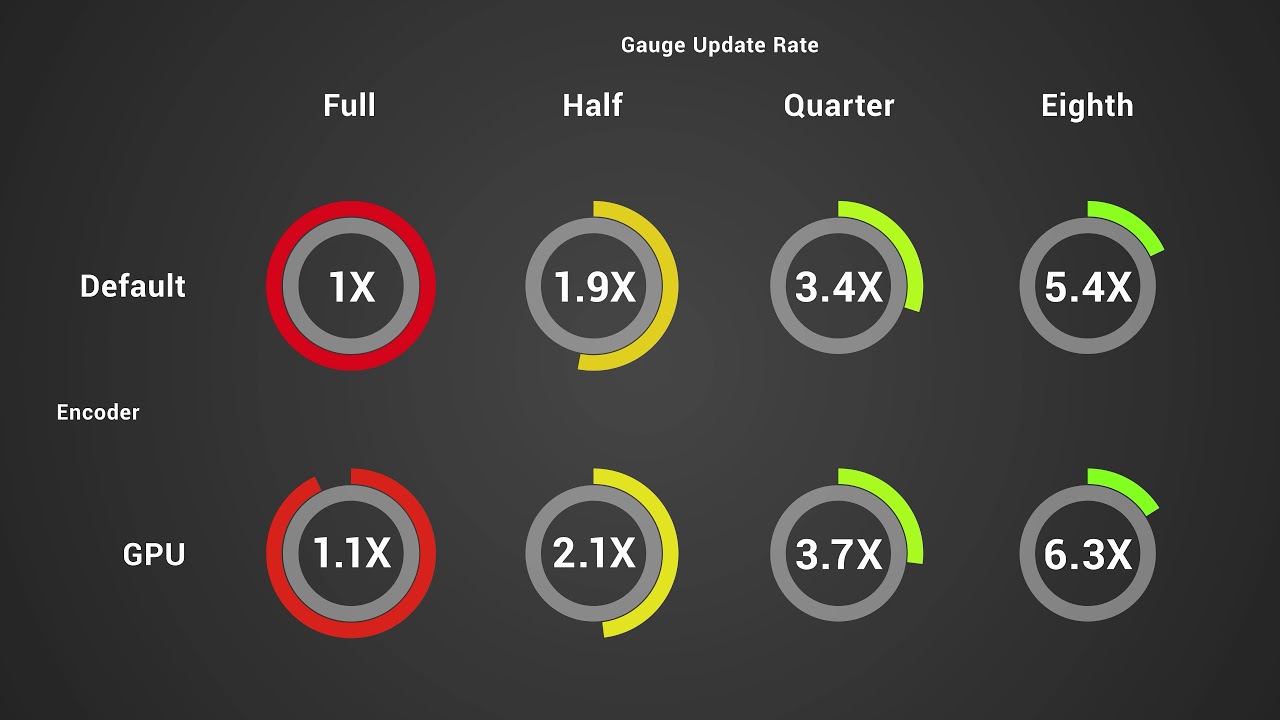
See the complete workflow, then try it with your own footage and data.
 ▶
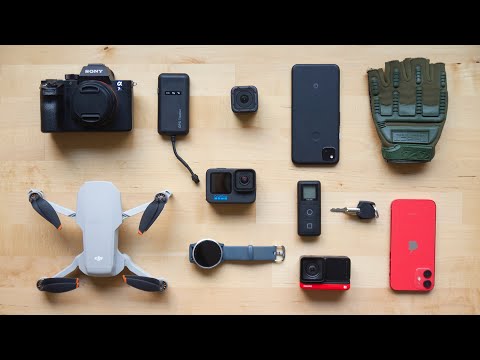
Finally! An easy all-in-one way to create a heads-up display for your action videos and drone footage. Compatible with multiple camera brands and data formats, including GoPro, DJI (drones and Action 4/5/6/360), Insta360, Garmin, GPX and many more. Merge consecutive videos with GPS data, sync telemetry from multiple sources, customize your gauges and much more. | Learn more

Win 10, 11, 12...

Apple Silicon & Intel

DEB & RPM packages